LivingKiosk · Display 04
Gallery Frame
A screen on your wall that shows one work of art at a time, matted like a framed piece, labelled like a museum, and changed quietly every couple of minutes.
What this is
Point any spare screen at a URL and it becomes a picture that changes. The artwork sits centred on a flat wall colour with a generous margin, so a tall portrait and a wide landscape both look deliberate — nothing is ever cropped, stretched, or zoomed to fill. A small placard in the lower left gives the artist, the title, the date, the materials and the museum, in the order a gallery would.
Every couple of minutes the next piece arrives. The change is a slow crossfade, about two seconds. There is no motion, no sound, no clock, no weather, nothing blinking. If you are not looking at it, you will not notice it happen.
Where the art comes from
The Met Open Access
The Metropolitan Museum of Art publishes its collection data under Creative Commons Zero, and images of works it believes to be in the public domain are free to use. Roughly half a million objects; this display draws from the pictures among them.
Curated, not dumped
Most of a museum’s catalogue is objects photographed on grey seamless — wonderful as an archive, poor as wall art. The default selection is six slices of paintings, drawings and watercolours, and every one of them gets equal airtime regardless of how large it is.
Rijksmuseum, optionally
Set RIJKS_API_KEY and the Rijksmuseum’s paintings, drawings and prints join the rotation. Without a key the Met carries the display on its own.
Nothing is hotlinked
Images are fetched by this server, checked, cached, and served from the same origin as the page. The browser never talks to a museum, so a kiosk on a locked-down network only needs to reach this app.
What it looks like
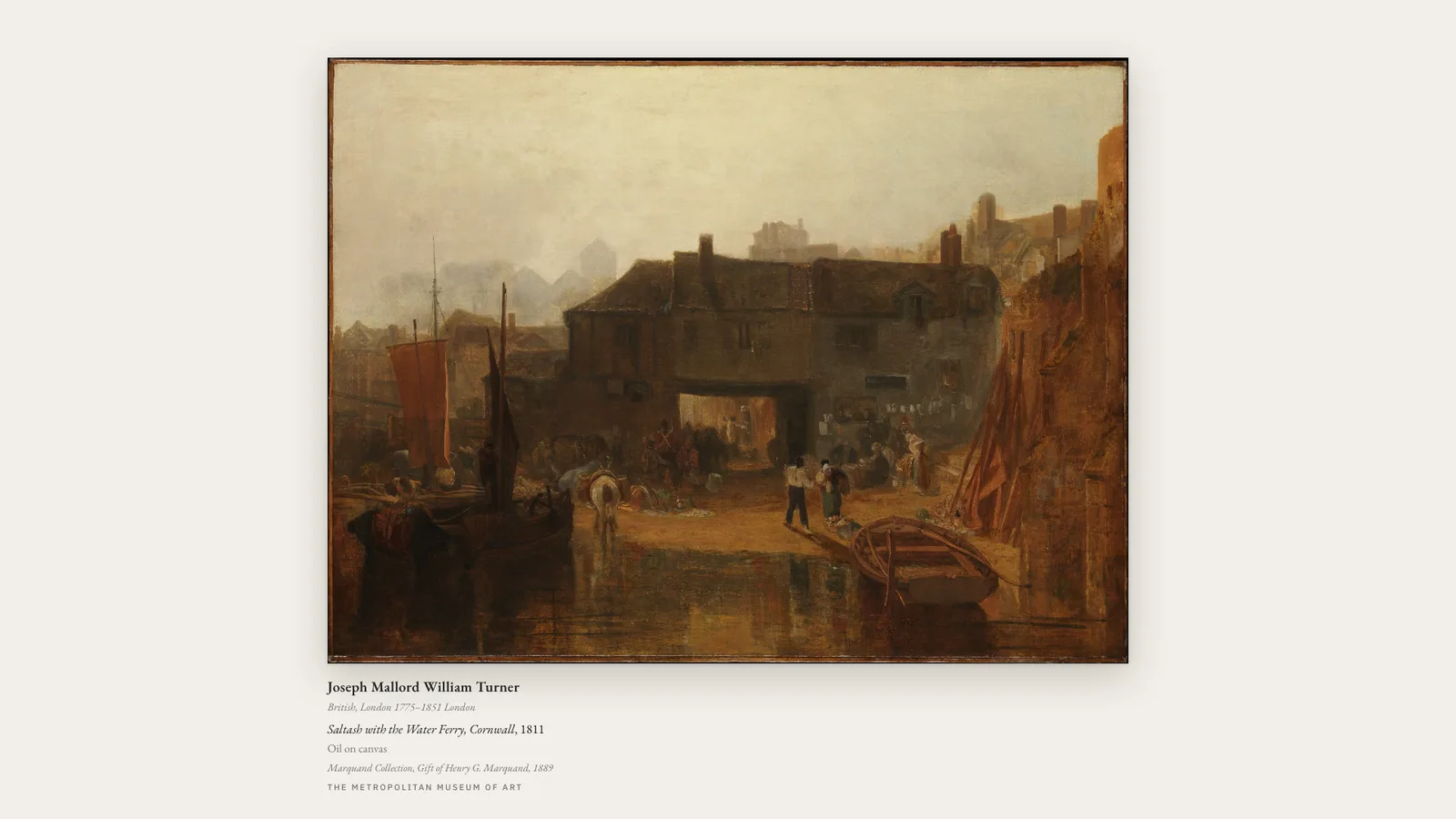
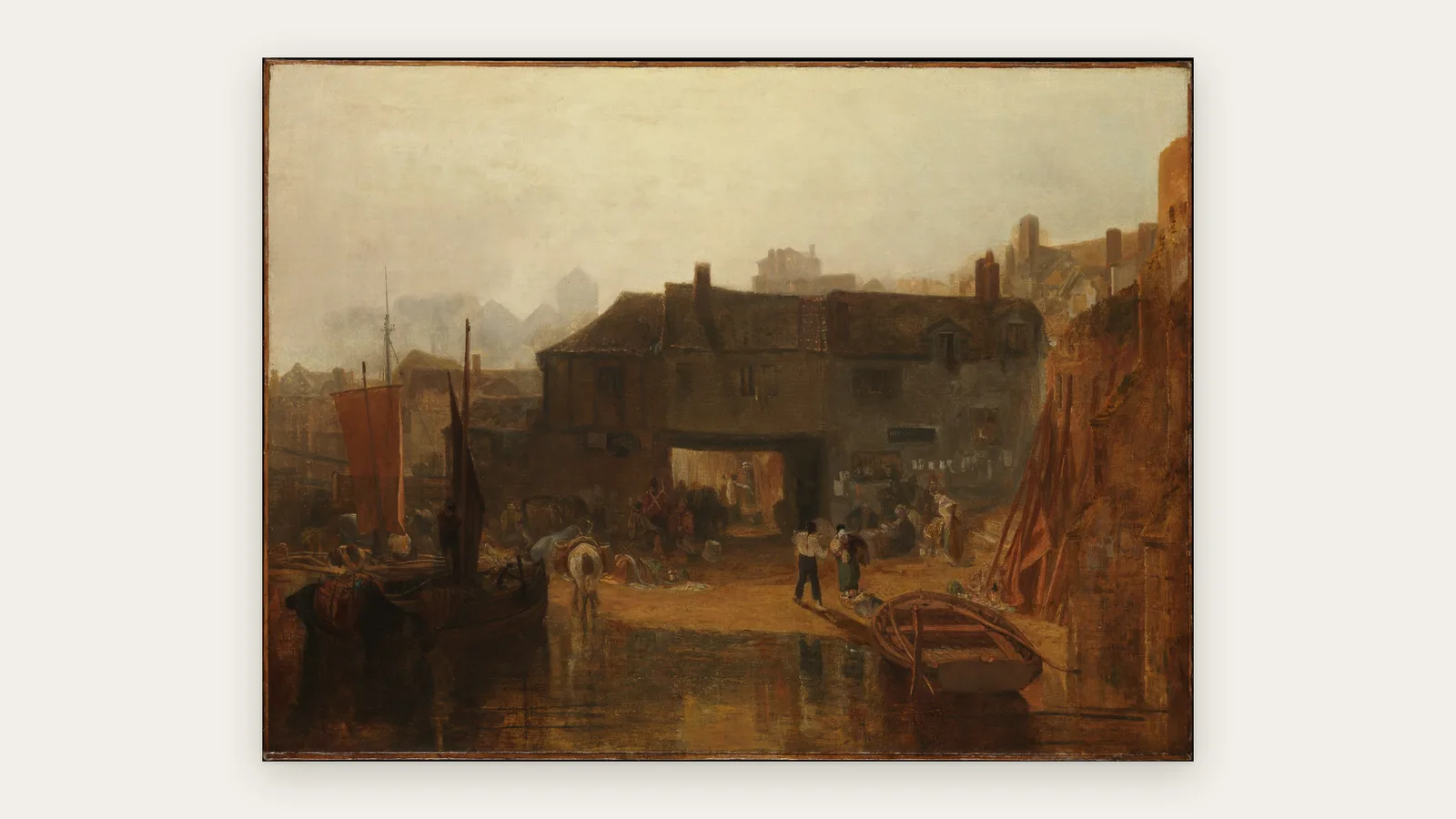
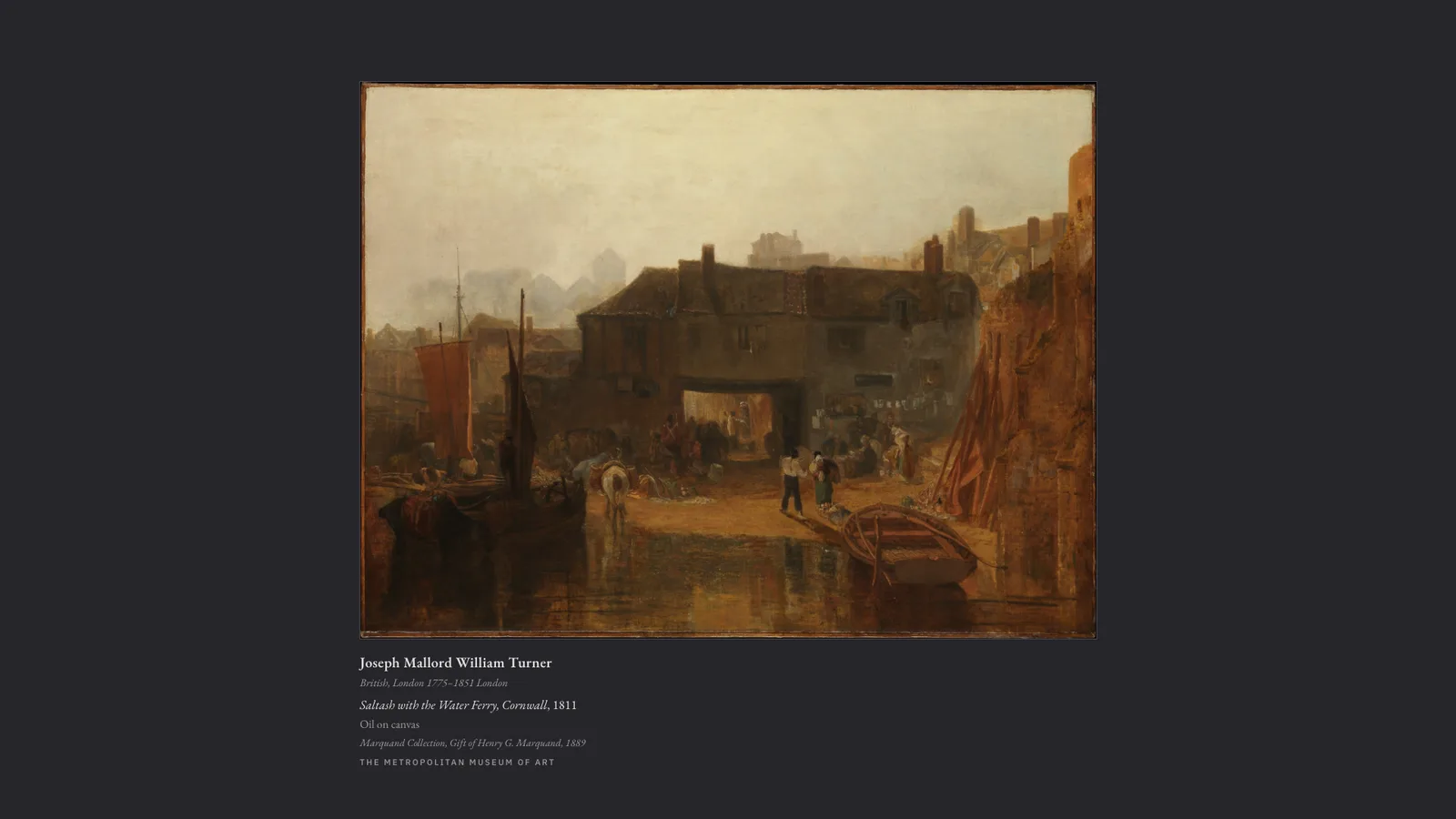
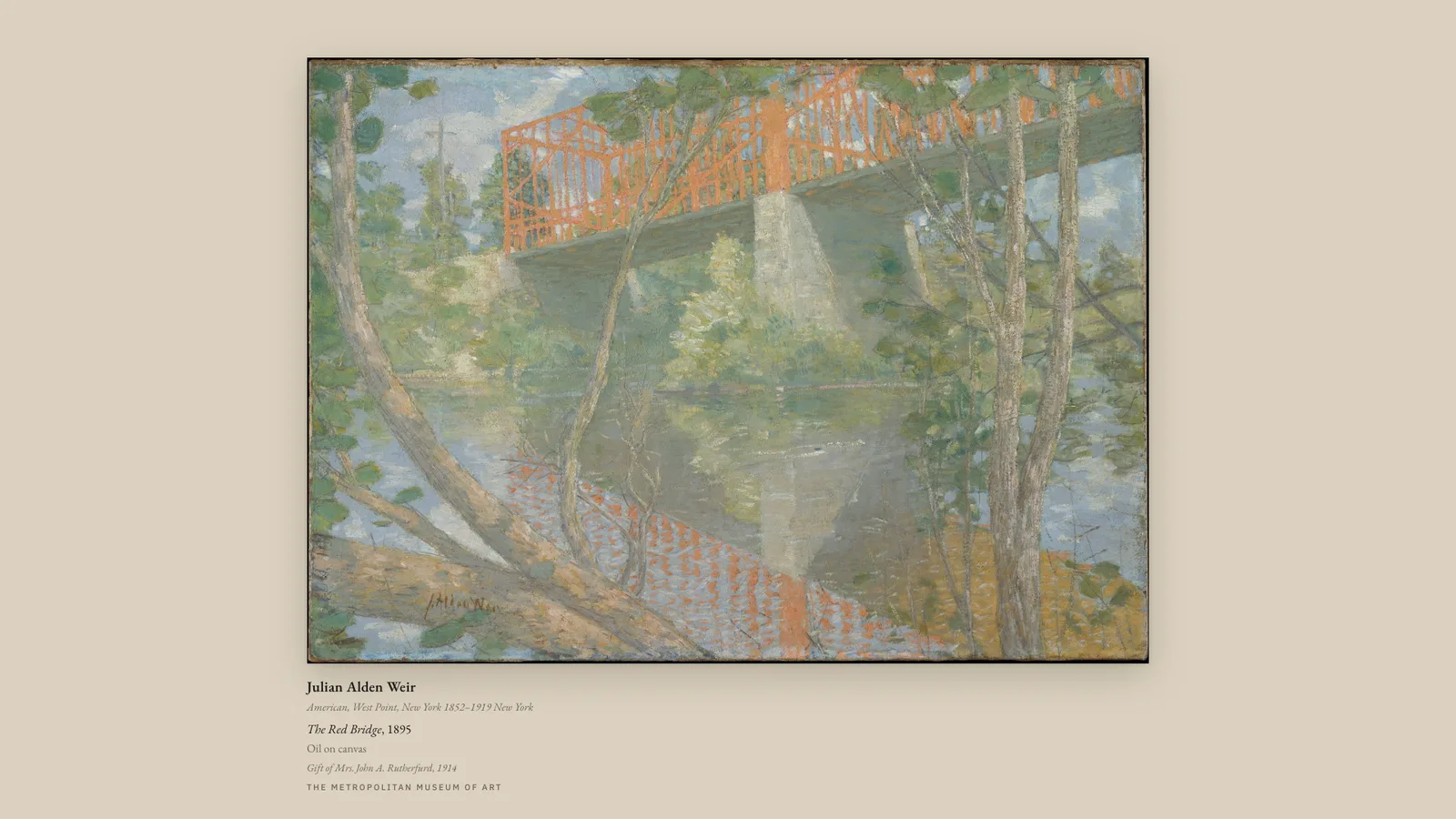
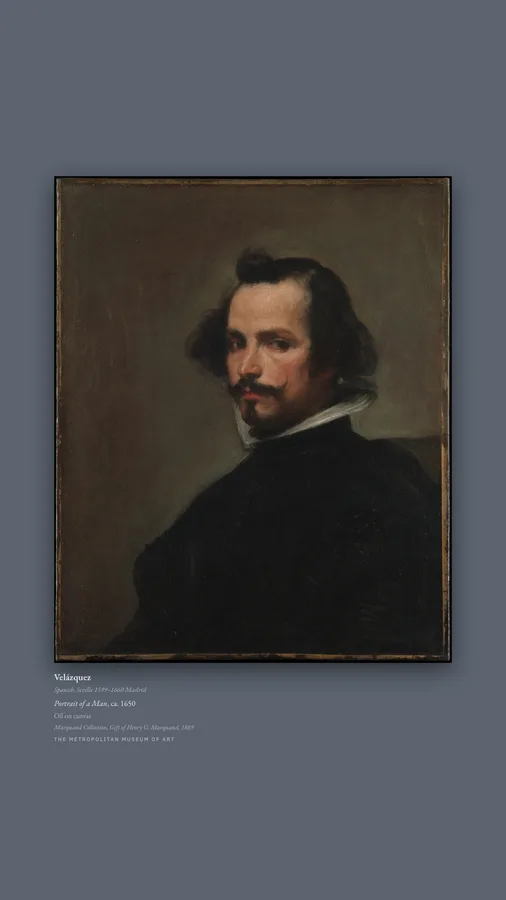
Configure it
Live preview · 16:9 · reloads a moment after you change somethingOpen full screen ↗
/
Plash (macOS desktop wallpaper) — add the URL, then set the reload interval to Never; the page rotates on its own.
open -a Plash --args "/"
Fully Kiosk Browser (Android) — Settings → Web Content → Start URL, and leave auto-reload off.
/
Chrome or Chromium kiosk mode (Raspberry Pi, mini PC, anything with a browser):
chromium-browser --kiosk --noerrdialogs --disable-infobars \
  --autoplay-policy=no-user-gesture-required "/"
Every parameter
| Parameter | Default | Meaning |
|---|---|---|
collections | six curated collections | Comma-separated collection slugs. Also accepts all, a Met department id, or a department slug. departments= is an alias. |
dwell | 120 | Seconds on each artwork (5–86400). |
placard | on | on | off — the wall label. |
mat | gallery-white | gallery-white | warm | linen | sage | slate | charcoal | black, or any hex colour. |
margin | 7 | Mat margin, % of the shorter screen side (0–22). |
frame | shadow | shadow | hairline | none. |
res | large | large | original — which museum derivative to serve. |
shuffle | on | on | off — off walks the catalogue in order. |
seed | (random per restart) | Any string. Same seed, same order. |
wallart | on | on | off — off allows objects, not just pictures. |
highlights | off | on | off — only the Met’s flagged highlights. |
from / to | — | Year bounds, inclusive. Undated objects drop out. |
id | — | Pin one object: a Met id, met:<id>, or rijks:<number>. |
source | all | all | met | rijks. The Rijksmuseum only appears if a key is configured. |
Anything unparseable is ignored rather than fatal: a mistyped parameter on a wall screen shows art, not a stack trace. Press space or the right arrow on a screen that happens to have a keyboard to move on early; the picture itself is not a button, because a wall panel that changes when someone brushes past it is a worse wall panel.
Artwork and catalogue data from The Metropolitan Museum of Art, via its Open Access programme (CC0). Gallery Frame is not affiliated with the Museum.